FAQs (Frequently Asked Questions)
- How can I get the drivers I need?
- You can download drivers from the Driver
and File Downloads page and product manuals from the Product
Manuals page. You can also order drivers and manuals by contacting
Elo.
- What operating systems do you have
drivers for?
- Current drivers are available on the Driver and File Downloads page, and the Platform Support page lists the operating systems we support.
We can also give you machine-independent sample source code in C
for writing your own low-level interface.
- Can I use both my touchscreen and
mouse at the same time with the Elo drivers?
- Yes.
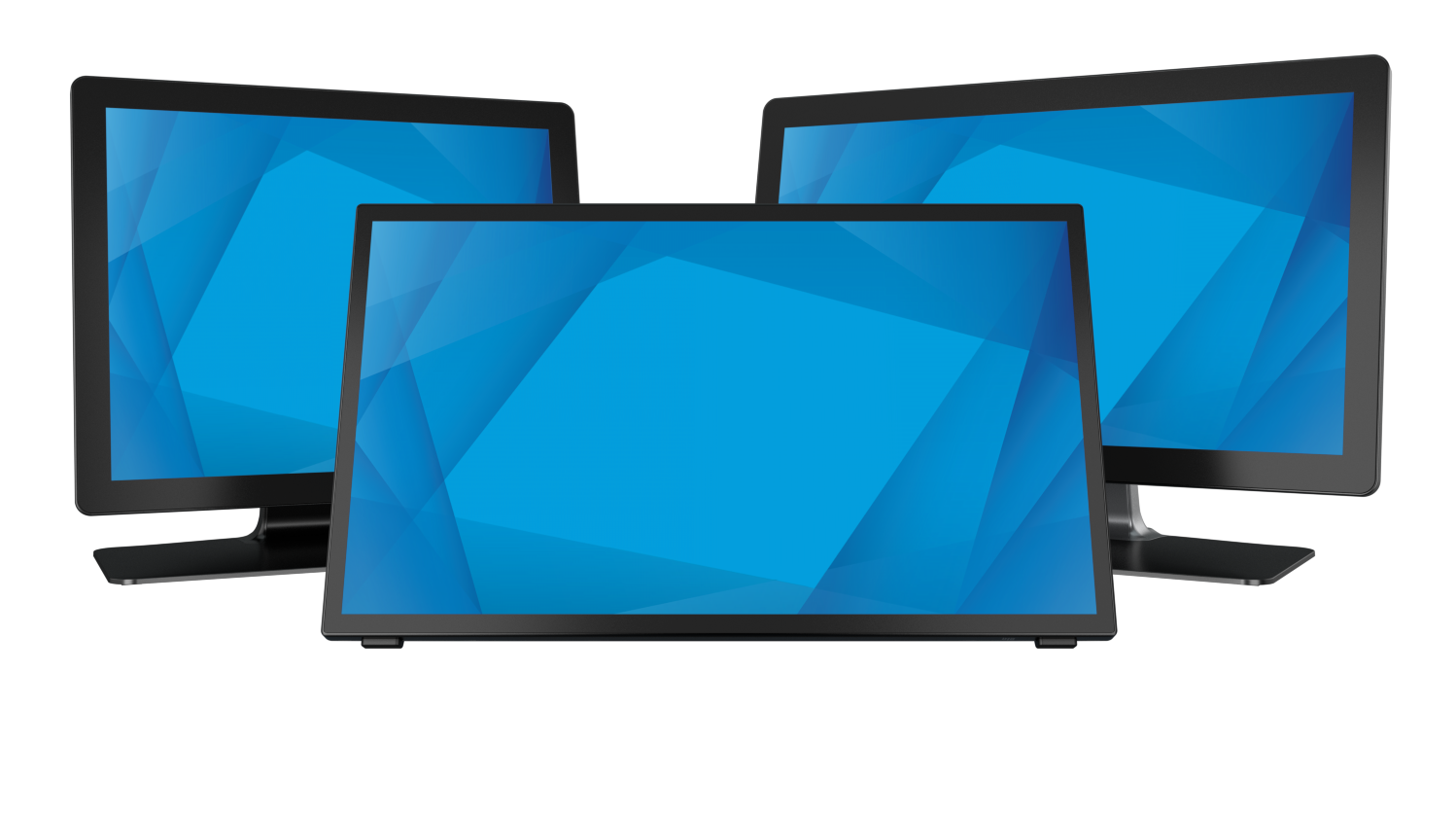
- I want to run multiple monitors, maybe
each with a touchscreen, on one PC. Can I do this in Windows?
- The latest version of the Windows 95/98/Me and Windows NT serial
drivers, and the Universal driver for Windows 2000 and XP have multiple
monitor support built in, with integrated setup. The Universal driver
supports multiple monitors for both serial and USB touchmonitors.
- How often is it necessary to recalibrate?
- Normally calibration need only be done when the touch drivers are
initially installed. You should never have to recalibrate Elo touchscreens
unless the monitor's video size and position controls have been adjusted. Calibration
procedure
- How reliable is a touchscreen?
- There is no standard way of measuring MTBF (Mean Time Between Failure)
for a touchscreen, but AccuTouch touchscreens have been tested to more
than 35 million touches in one spot with a stylus similar to a finger,
and IntelliTouch touchscreens have been tested to more than 50 million
touches. Touchscreen warranties vary by touch technology.
The touchscreen controller MTBFs
are typically 2-4 times longer than that of the display.
- Are fingerprints and dirt a problem
on touchscreens?
- Dirt and fingerprints do not affect the operation of a properly sealed
touch display. Use bright, patterned background
colors to minimize the visual effects of dirt and fingerprints. See Touchscreen
Application Tips for more information.
- What can I use to clean the touchscreen?
- Any standard glass cleaner can be used to clean the touchscreen.
Always spray the glass cleaner on the cloth or towel and then clean
the touchscreen. Glass cleaner sprayed directly on the monitor could
possibly leak inside a non-sealed unit and cause damage.
|